
 2 songs
Songa - AI Music & Song Generator
Songa turns a text prompt into a complete song - vocals, lyrics, and instrumentation included. Pick from multiple model versions and built-in style presets, then download your track as MP3. WAV export and commercial licensing are available on paid plans.
Suno runs through KIE. Other connected music models run through WaveSpeed.
FEATURED AI-GENERATED WORKS
Featured AI-Generated Works
Explore works created with AI music generation, lyrics, cover, vocal isolation, and music extension tools.




HOW TO CREATE AI MUSIC
Generate Professional Music in 4 Simple Steps
Describe Your Music
Enter a text prompt describing the AI music you want to create. Be specific about genre, mood, tempo, or instruments.
Customize Music Style
Choose from a wide range of music styles or let Songa choose from your prompt, then refine lyrics, vocals, and direction.
Generate AI Music
Click generate and let Songa analyze your inputs to compose original music in seconds.
Download & Use
Download your AI music in MP3 or WAV, then use it according to the active plan and model terms.
AI MUSIC CREATION
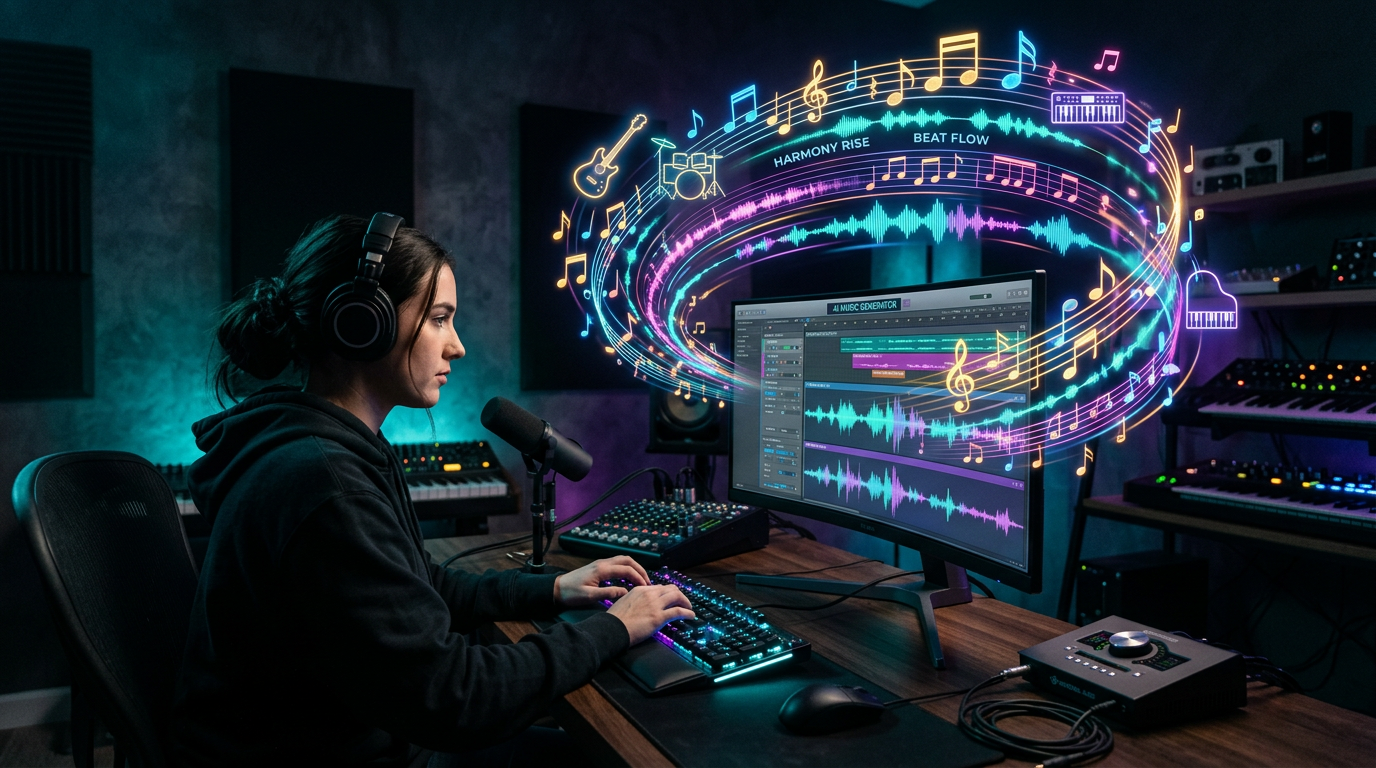
Create Song with Songa
Transform your ideas into complete songs in seconds.
Type “upbeat summer pop” or “melancholic indie ballad” and get vocals, instruments, arrangement, and professional mixing in seconds. No music theory required.
Start creating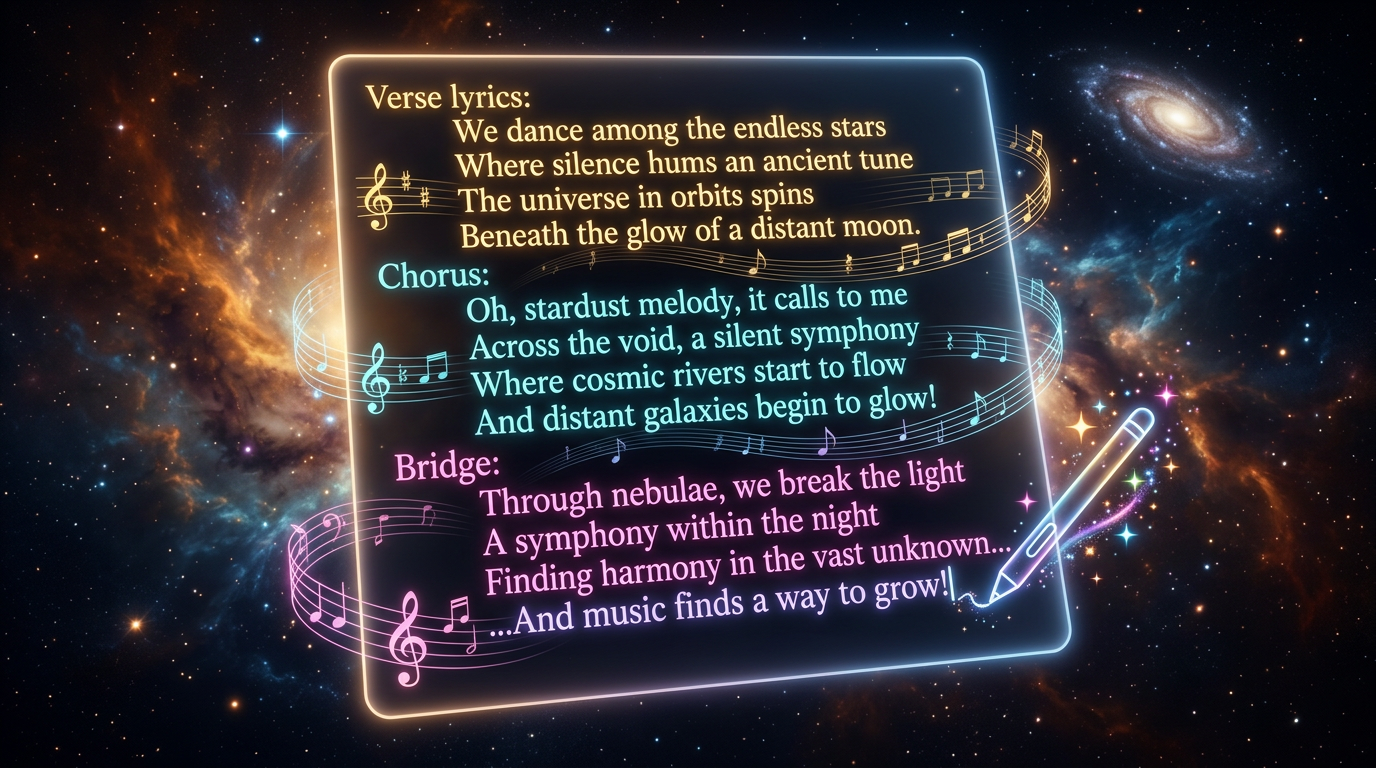
AI LYRICS
Lyrics Generator with Songa
Generate creative, meaningful lyrics for any genre or theme.
Tell it your theme and get verses, choruses, and bridges that flow naturally. Use the draft as-is or refine it further.
Start creating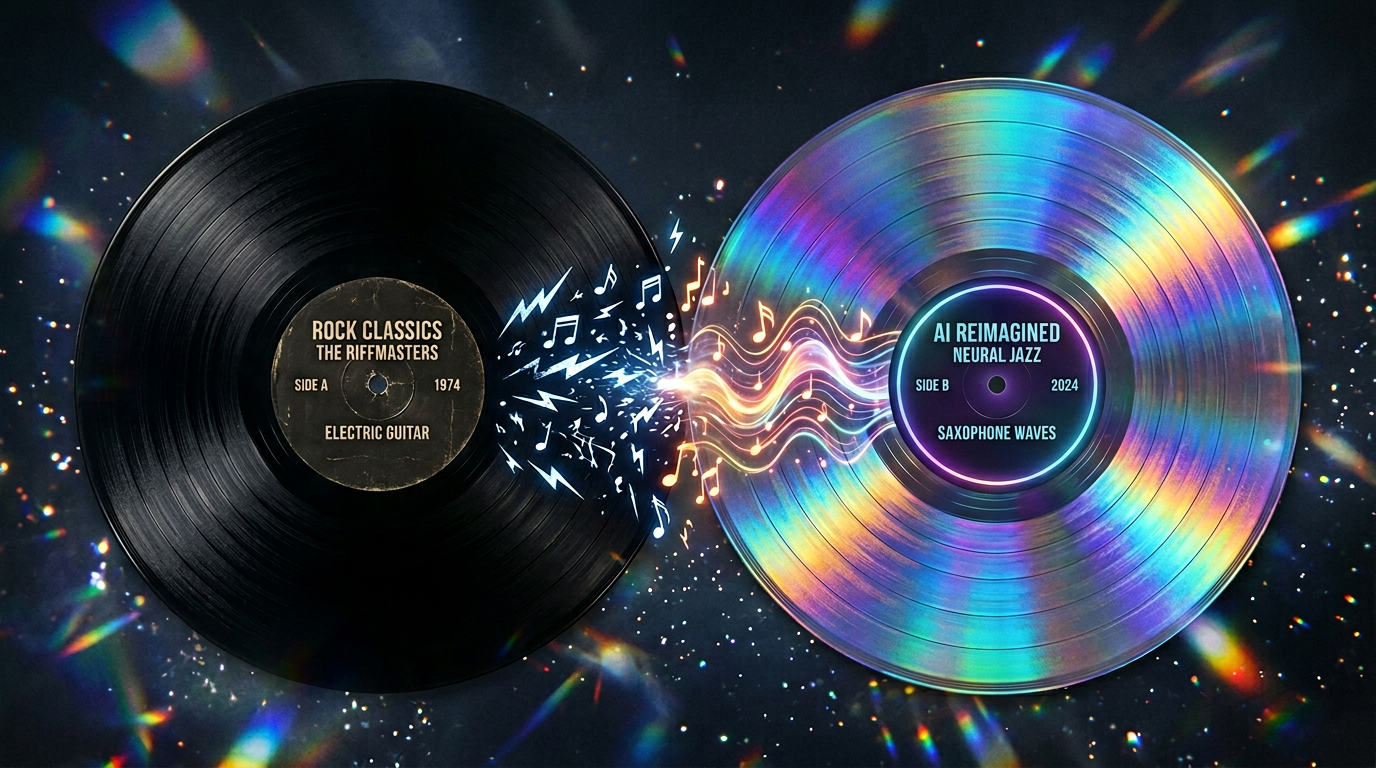
AI COVER
AI Song Cover Generator with Songa
Reimagine any song in a completely new style.
Upload a track, change genre, swap vocals, shift tempo, and create a new cover direction with professional-quality output.
Start creating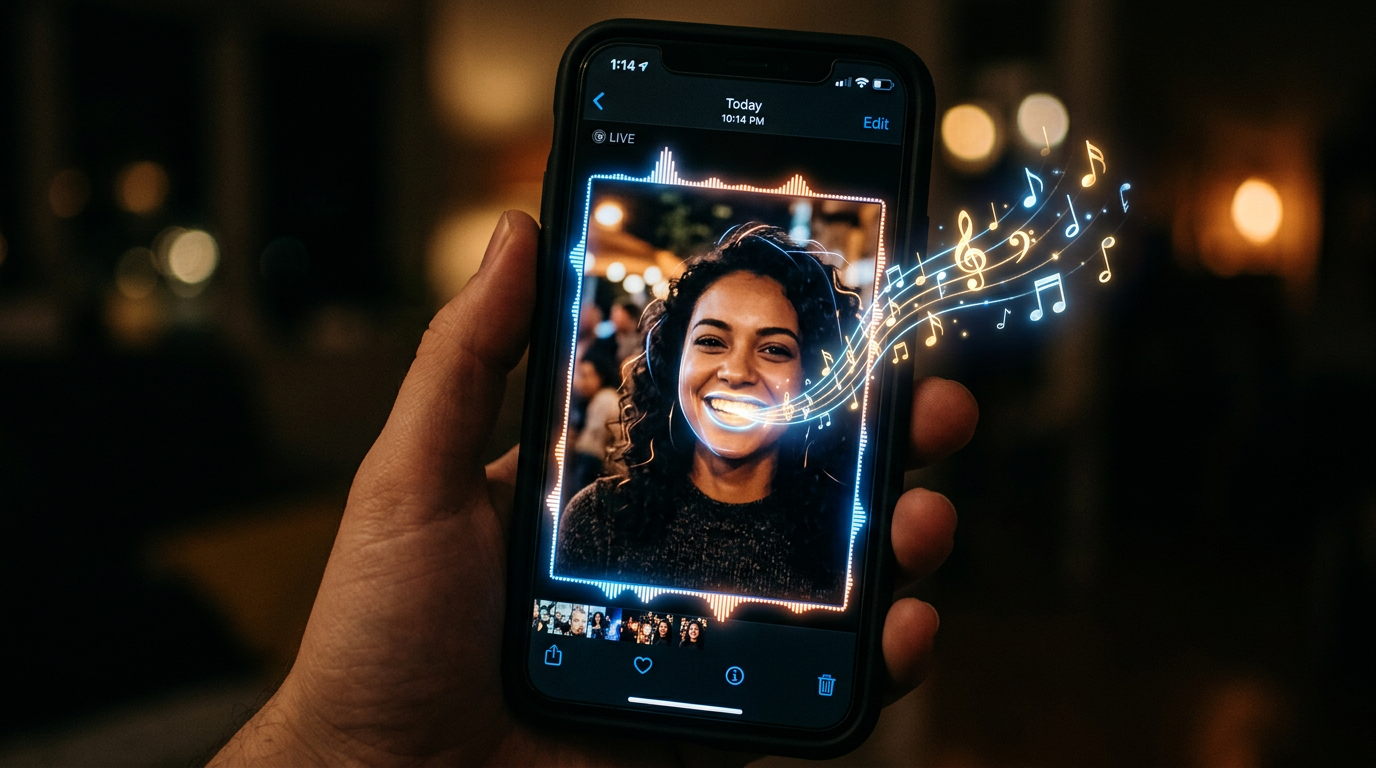
AI SINGING PHOTO
AI Singing Photo Generator with Songa
Bring your photos to life with AI-powered singing animations.
Upload a portrait and create a singing animation with synced lips and expressive movement for videos and campaigns.
Start creating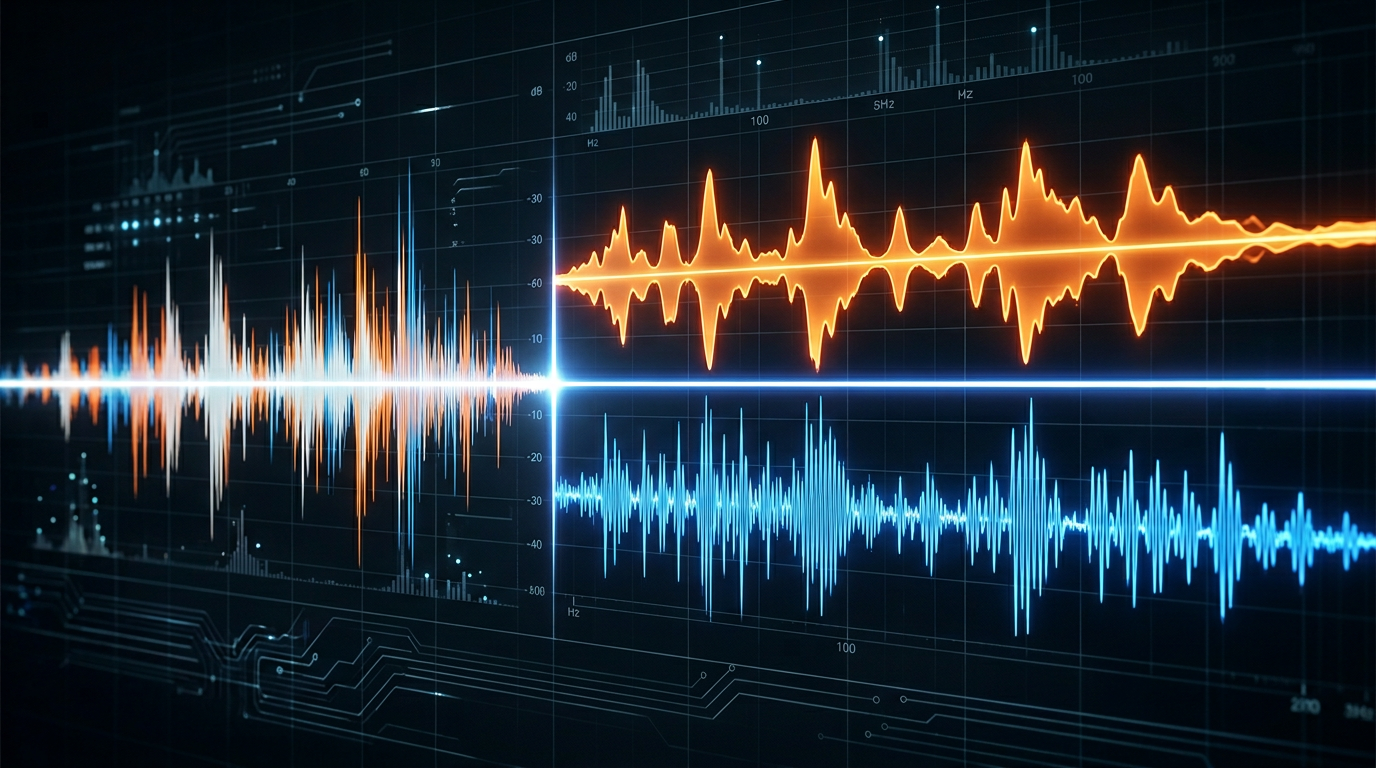
VOCAL ISOLATION
Vocal Remover with Songa
Separate vocals from any song instantly.
Upload a song and get clean instrumental and isolated vocal files for karaoke, practice, remixes, and editing.
Start creating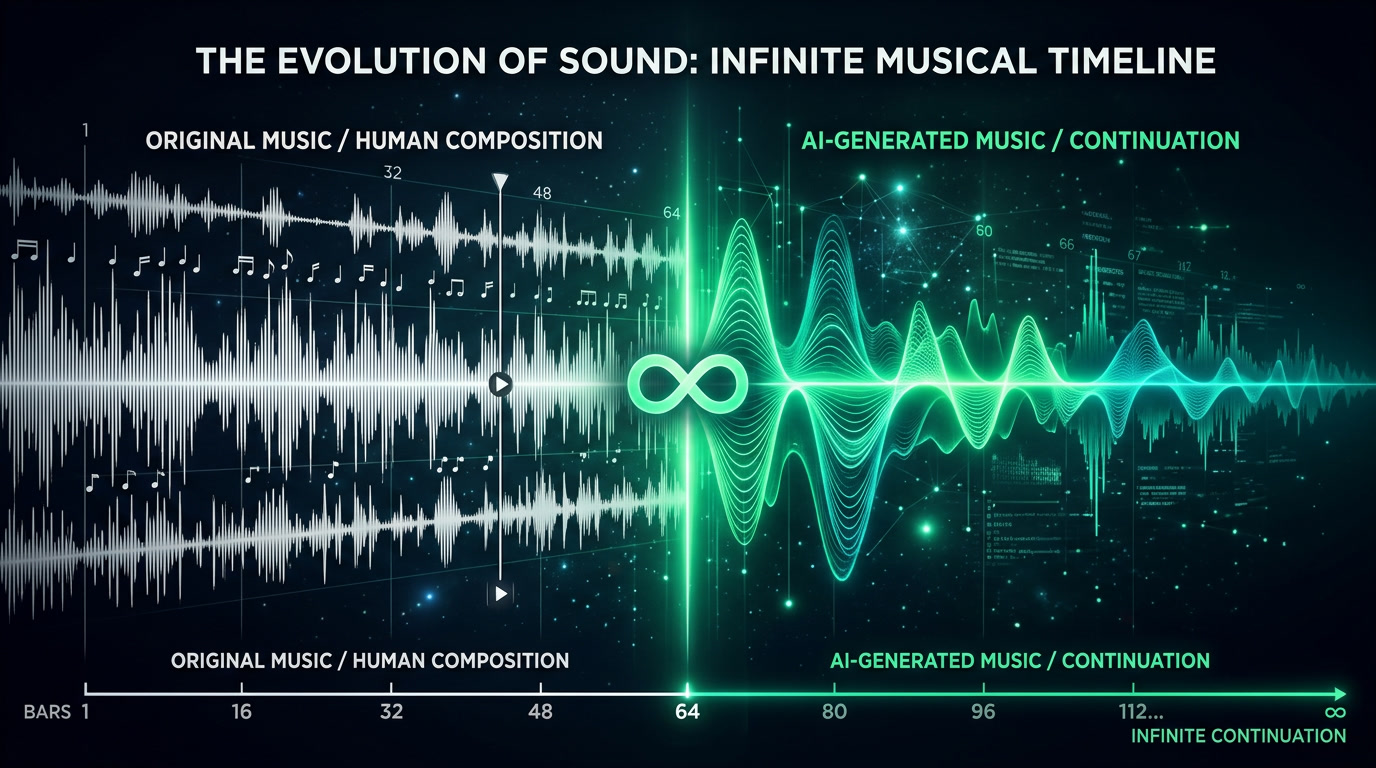
MUSIC EXTENSION
Extend Music with Songa
Never run out of music.
Specify the length you need and generate new content matching the original style, tempo, and energy with seamless transitions.
Start creating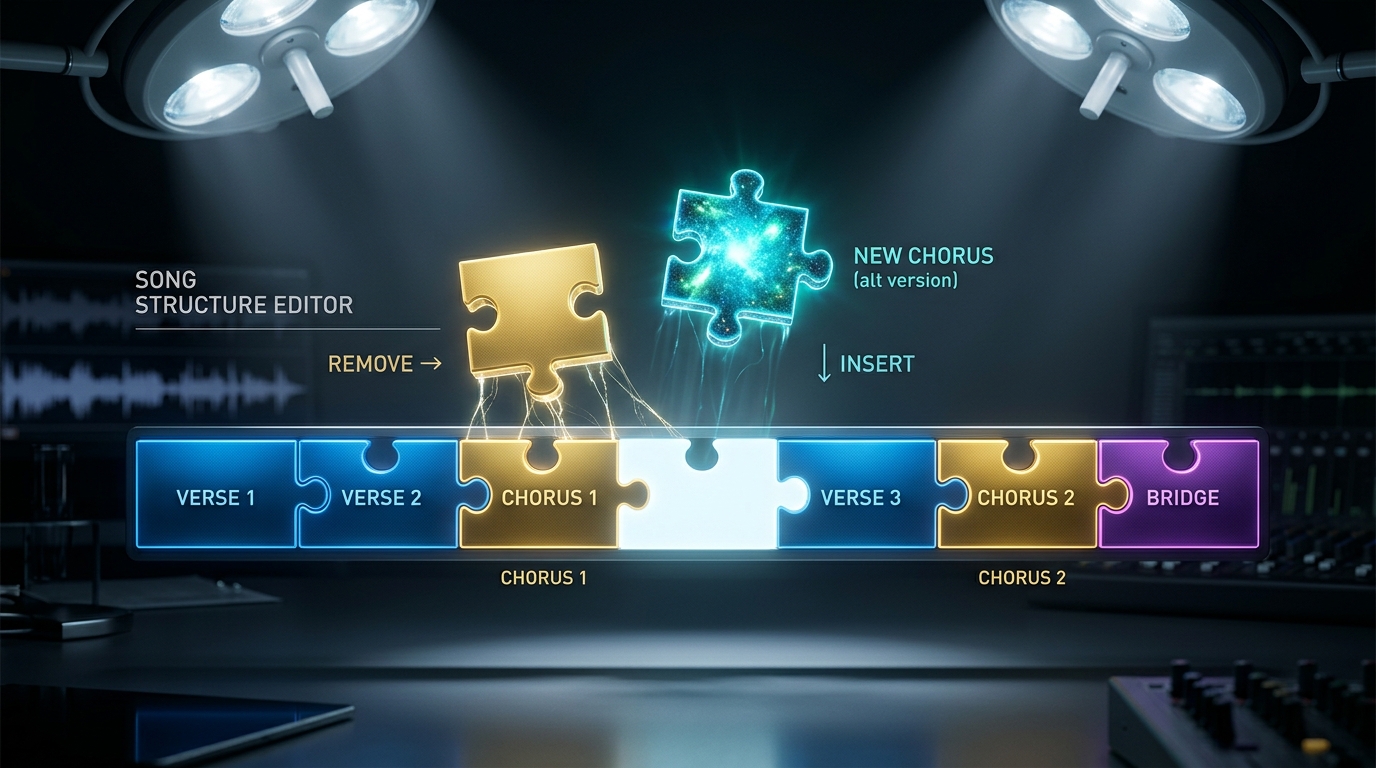
SECTION REPLACE
Replace Music Section with Songa
Regenerate any part of your song.
Select one section and generate alternatives that blend with the rest of the track while keeping the musical direction coherent.
Start creating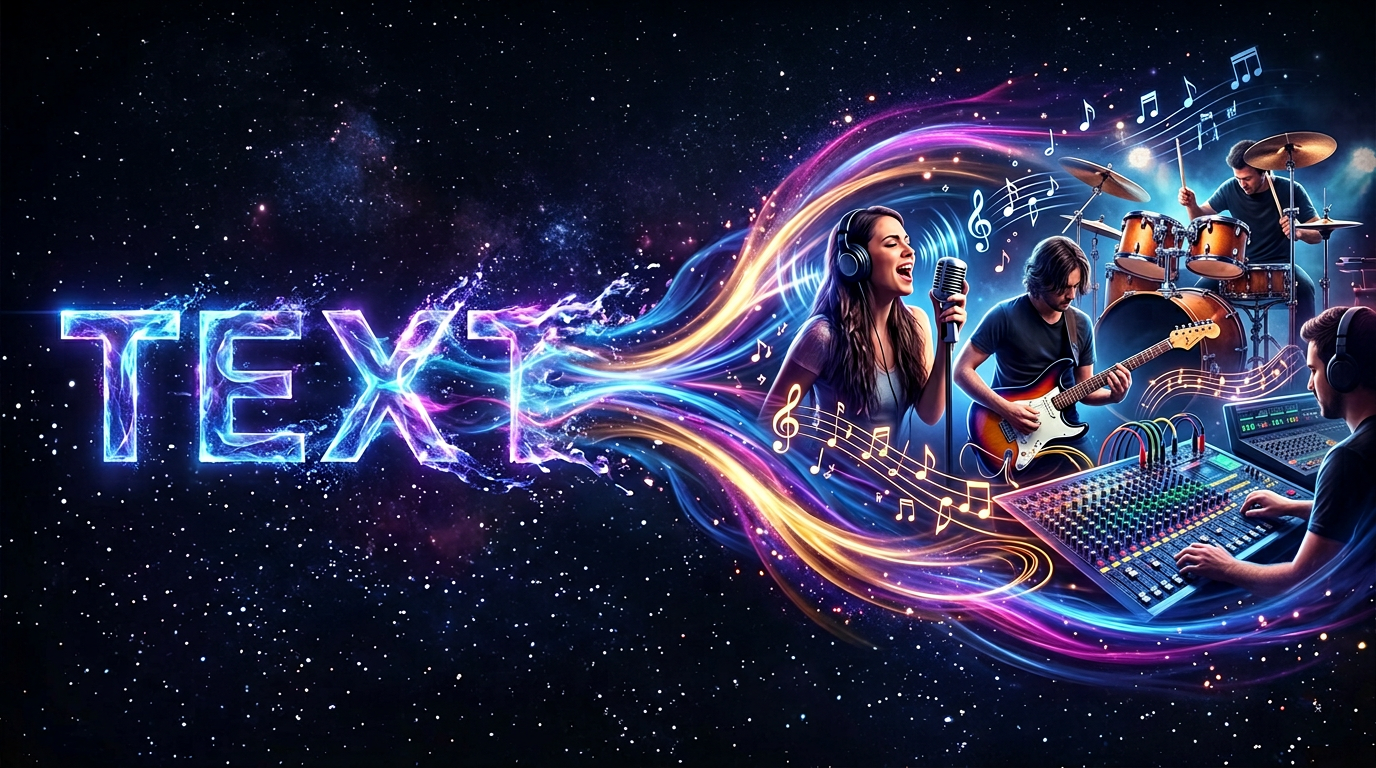
TEXT TO MUSIC
Text to Song with Songa
Turn any text description into a complete song.
Type a clear idea such as “upbeat indie rock about leaving a dead-end job” and shape a full vocal, instrumental, and arranged song.
Start creating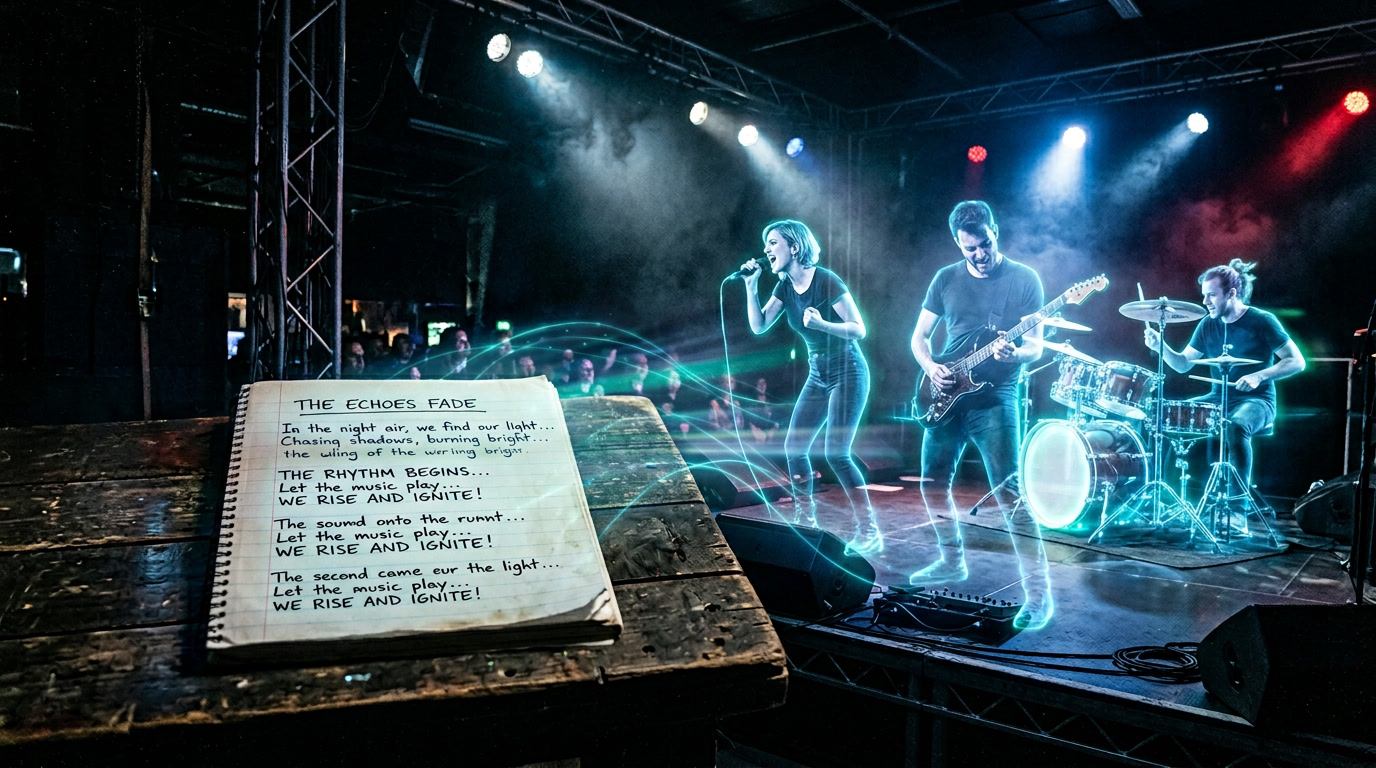
LYRICS TO MUSIC
Lyrics to Song with Songa
Transform your written lyrics into fully produced songs.
Paste your lyrics, pick a style, and hear them become a produced track with vocals, instrumentation, and melodies fitted to your words.
Start creatingWHY CHOOSE SONGA
The Best AI Music Generator for Creators
The technical advantages that make Songa the choice for professional AI music creation.
Best AI Music Quality
Create tracks with natural instrumentation, dynamic arrangements, and clear mixing for videos, podcasts, games, and demos.
Fast Music Generation
Move from an idea to a previewable song draft quickly so you can validate more creative directions.
Complete Creative Control
Fine-tune style, mood, vocals, lyrics, tempo, and creation mode to guide the result.
Advanced AI Technology
Combine text, lyrics, uploaded audio, and Explore-based recreation in one practical AI music workflow.
AI MUSIC GENERATOR FAQ
Frequently Asked Questions About Songa AI Music Generator
What is an AI music generator and how does it work?
An AI music generator turns a text description, lyrics, or another creative input into a musical draft with melody, arrangement, vocals, or instrumentals. Songa lets you choose a creation path and an available model before submitting a task and reviewing the returned result.
What types of music can I create with Songa?
Start with pop, hip hop, rock, electronic, folk, cinematic, piano, ambient, and many other directions. Combine tempo, vocals, instruments, language, and mood. The final result depends on the selected model and your input.
Do I need music theory to use an AI song maker?
No. Describe a scene, emotion, and sound in plain language, or start with your own lyrics. As you become more specific about genre, tempo, and vocals, you can guide the result more precisely.
What is the difference between the homepage and the studio?
The homepage is for a fast start and for choosing a creation path. `/app` is the full sidebar studio for saving drafts, tracking tasks, switching tools, and continuing iterations.
Can I use generated music commercially?
Do not infer licensing from a model name alone. Commercial use depends on the actual model, account plan, generation date, and provider terms. Check the applicable terms before publishing to YouTube, Spotify, or another platform.
How long does AI music generation take?
Timing depends on the model, queue, input type, and upstream service status. Songa shows task status. If an upstream task fails or times out, your draft can remain available, but a saved draft is not generated audio.
LEARN AI MUSIC
Learn AI Music
Guides, tutorials, and tips to get more from AI music generation.
 How to choose an AI music modelCompare lyric control, availability, credits, and export support.
 Search music by title or artistFind tracks, albums, artists, and available previews.
 Convert audio to MIDILearn how a melody recording becomes editable notes.
 Find a song from a melodyExplore song identification tools from a hummed melody or clue.
Start Creating AI Music Today
Open the studio, or recreate a featured track in one click.
TESTIMONIALS
Creators are turning ideas into songs with Songa
“It takes me from one clear idea to a song draft I can actually preview.”
Maya R.Independent creator“Lyrics to Song and the audio tools in one place make demo work much faster.”
Jordan K.Music producer“I can explore a direction first, then bring it back into the studio and keep iterating.”
Ari L.Content creator